![Plants vs. Zombies Replanted — 训练器 (+21) [v1.5.1468] / 训练器 / 作弊](https://files.vgtimes.com/si/gameprev_76912_768_1761243591.webp "Plants vs. Zombies Replanted — 训练器 (+21) [v1.5.1468] / 训练器 / 作弊")
经典的 植物大战僵尸... 更多信息
训练器 (+21) [v1.5.1468]
![Plants vs. Zombies Replanted — 训练器 (+21) [v1.5.1468]](https://files.vgtimes.com/download/posts/2025-12/thumbs/trainer-21-mul0-v1-5-1468_1766080844_122637.webp)

-
下载 (9.31 MB)2025年12月18日, 21:00trainer-21-mul0-v1-5-1468_1766080844_939074.zip
游戏版本: v1.5.1468。
进程: Replanted.exe(64位)。
作者: mul0。
最后更新: 2025年12月14日。
概述:
这是一个非官方游戏训练器 ,适用于 植物大战僵尸:重植。
它增加了21个游戏选项 ,以增强您的体验——从无限阳光和健康到快速波次和即时关卡完成。
游戏信息:
植物大战僵尸:重植 | v1.5.1468 | Replanted.exe | 64位 | 2025年12月14日。
功能(热键):
- 小键盘 1 — 无限阳光。种植时无限阳光。
- 小键盘 2 — 无限健康。植物的无限健康。
- 小键盘 3 — 无限金币。购买戴夫商店物品的无限金币。
- 小键盘 4 — 植物快速恢复。您的植物立即充能。
- 小键盘 5 — 植物快速射击。您的植物将以更快的速度射击。
- 小键盘 6 — 植物免费购买。允许您以0阳光购买任何植物,使所有购买完全免费。
- 小键盘 7 — 在任何地方种植植物。允许您在任何表面上种植,包括水面、坑、坟墓,甚至其他植物上。
- 小键盘 8 — 即时充能。您的植物立即完成动作。(咀嚼、充能等)
- 小键盘 9 — 移除种植条件。移除升级植物(如双向向日葵、加特林豌豆等)的所有放置限制,让您可以自由种植,而无需先种植基础植物。
- F1 — 冻结选定工具/植物。允许您冻结植物、工具或物品ID(如铲子或锤子),使其永久保持选定状态。(在选择之前按住“E”)
- F2 — 豌豆射手自动瞄准。使豌豆射手的射击自动跟踪并准确击中僵尸。
- F3 — 爆炸保龄球。在保龄球模式中用爆炸性墙坚果替换常规墙坚果。(按住“R”激活)
- F4 — 奖励不消失。掉落的奖励在场上永久保留,而不是随着时间的推移而消失。
- F5 — 自动资源收集。自动收集游戏中的所有资源,包括小/常规/大阳光、金币、金币和钻石——无需手动收集。
- F6 — 钻石掉落。用植物、僵尸和戴夫的花园掉落的大钻石替换常规金币。
- F7 — 不压扁植物。防止植物被重物或弹丸(如卡车、雪球或火球)压扁或摧毁。
- F8 — 不出现墓碑。禁用通常在夜间关卡开始时生成的墓碑。必须在加载关卡之前启用。
- F9 — 即时完成关卡。按下“U”热键时立即完成当前关卡。
- F10 — 快速僵尸波。缩短波之间的延迟,使僵尸快速出现。
- F11 — 单植物开始。移除填满所有植物槽的要求;选择一种植物即可开始关卡。
- F12 — 种子面板ID管理器。允许您使用A/D键循环浏览种子面板上的所有植物类型,使用X重置序列,或使用C生成一组完全随机的独特植物ID。
如何使用:
- 启动 植物大战僵尸:重植 ,并等待游戏完全加载。
- 在游戏开始后 启动训练器。
- 当进程被检测到时,点击连接 按钮。
- 使用列出的热键激活功能。
- 享受增强的游戏体验!
某些杀毒程序可能会将训练器误报为假阳性。
如果它阻止训练器,请暂时禁用您的杀毒软件。
Game Version: v1.5.1468.
Process: Replanted.exe (64-bit).
Author: mul0.
Last Updated: 14/12/2025.
Overview:
This is an unofficial game trainer for Plants vs. Zombies: Replanted.
It adds 21 gameplay options to enhance your experience — from unlimited sun and health to fast waves and instant level completion.
Game Info:
Plants vs. Zombies: Replanted | v1.5.1468 | Replanted.exe | 64-bit | 14/12/2025.
Features (Hotkeys):
- Numpad 1 — Unlimited sun. Unlimited sun for planting.
- Numpad 2 — Unlimited health. Unlimited health in your plants.
- Numpad 3 — Unlimited coins. Unlimited coins to buy items in Dave’s store.
- Numpad 4 — Plants quickly recover. Your plants are instantly recharged.
- Numpad 5 — Plants quickly shoot. Your plants will shoot many times faster.
- Numpad 6 — Plants free purchase. Allows you to buy any plant for 0 sun, making all purchases completely free.
- Numpad 7 — Planting plants wherever you want. Allows you to plant on any surface, including water, craters, graves, and even on top of other plants.
- Numpad 8 — Instant Recharge. Your plants immediately finish the action. (Chewing, recharging, etc.)
- Numpad 9 — Remove conditions for planting. Removes all placement restrictions for upgraded plants such as Twin Sunflower, Gatling Pea, etc., letting you plant them freely without needing the base plants first.
- F1 — Freeze selected tool/plants. Allows you to freeze the plants, tool, or item ID (like shovel or hammer) so it stays selected permanently. (Hold “E” before selected)
- F2 — Peashooter auto-aim. Makes Peashooter's shots automatically track and hit zombies with perfect accuracy.
- F3 — Explosive bowling. Replaces regular wall-nuts in bowling mode with explosive ones. (Hold “R” to activate)
- F4 — Bonuses don't disappear. Dropped bonuses stay on the field permanently instead of fading over time.
- F5 — Automatic resource collection. Automatically collects all resources in the game, including small/regular/large suns, coins, gold coins, and diamonds — no manual collection required.
- F6 — Diamond drops. Replaces regular coins with large diamonds dropped from plants, zombies, and Dave’s garden.
- F7 — No plant squishing. Prevents plants from being crushed or destroyed by heavy objects or projectiles, such as trucks, snowballs, or fireballs.
- F8 — No gravestones. Disables the gravestones that normally spawn at the start of night levels. Must be enabled before loading the level.
- F9 — Instant level completion. Instantly finishes the current level when you press the "U" hotkey.
- F10 — Fast zombie waves. Shortens the delay between waves so zombies appear rapidly.
- F11 — Single plant start. Removes the requirement to fill all plant slots; selecting one plant is enough to start the level.
- F12 — Seed panel id manager. Lets you cycle through all plant types on the seed panel using A/D keys, reset the sequence with X, or generate a fully random set of unique plant IDs with C.
How to Use:
- Start Plants vs. Zombies: Replanted and wait until gameplay is fully loaded.
- Launch the trainer after the game starts.
- When the process is detected, click the Connect button.
- Activate features using the listed hotkeys.
- Enjoy enhanced gameplay!
Some antivirus programs may detect trainers as false positives.
Temporarily disable your antivirus if it blocks the trainer.
有用的链接:

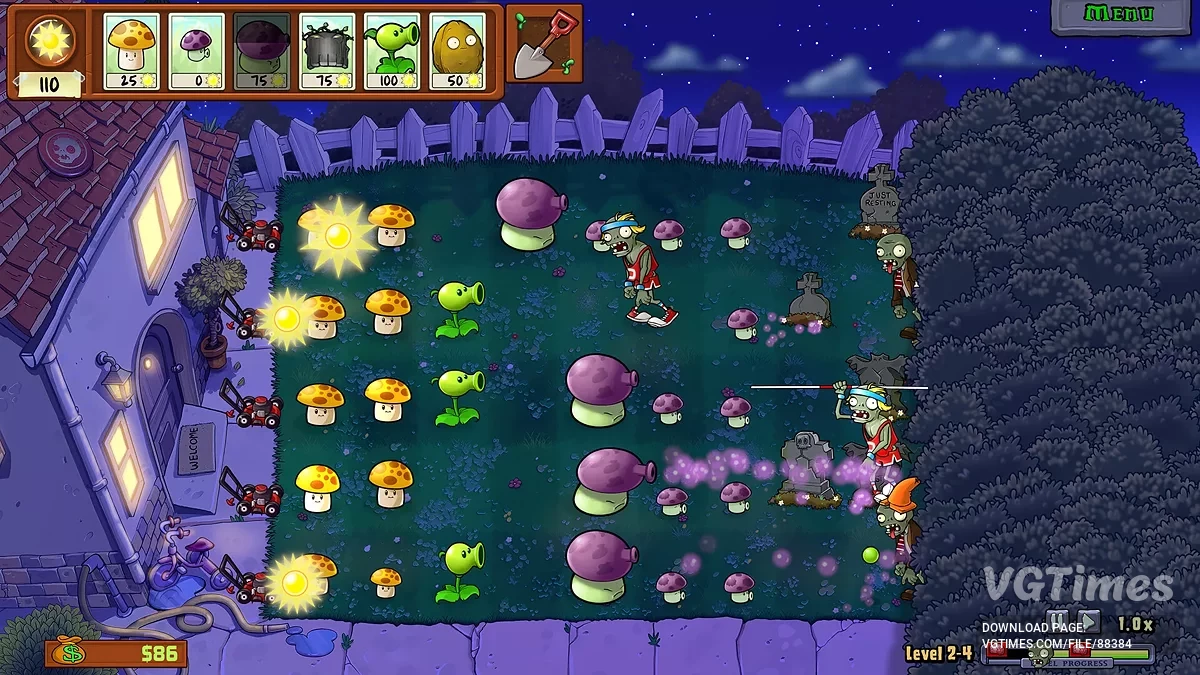
![Plants vs. Zombies Replanted — Cheat Engine 表格 [1.2.1173.0]](https://files.vgtimes.com/download/posts/2025-10/thumbs/tablica-dlja-cheat-engine-1-2-1173-0_1761833402_784715.webp)
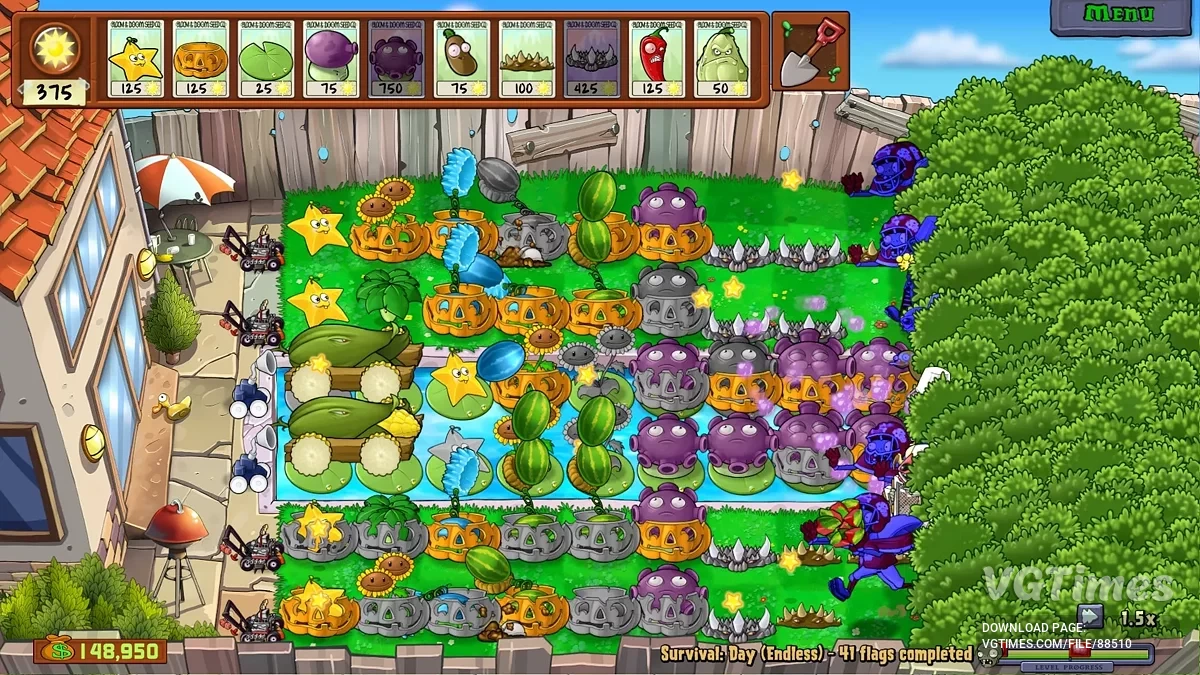
![Plants vs. Zombies Replanted — Cheat Engine 表格 [26.10.25]](https://files.vgtimes.com/download/posts/2025-10/thumbs/tablica-dlja-cheat-engine-26-10-25_1761649673_649260.webp)
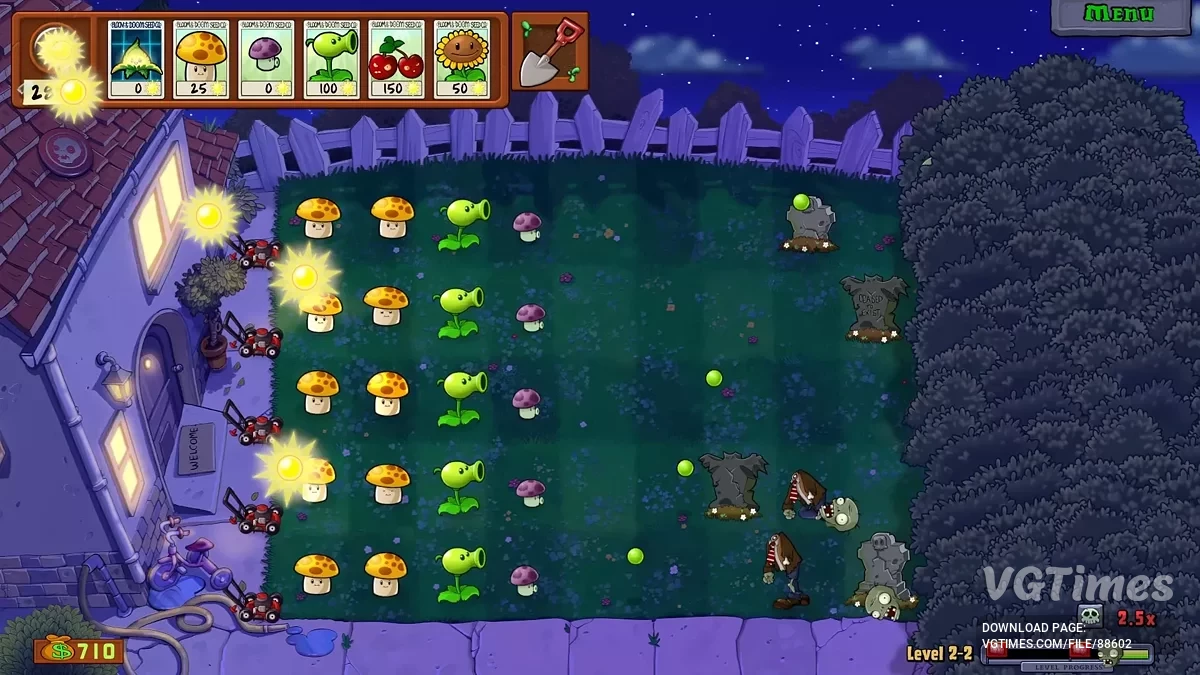

![Plants vs. Zombies Replanted — Cheat Engine 表格 [0.3.0]](https://files.vgtimes.com/download/posts/2025-10/thumbs/tablica-dlja-cheat-engine-0-3-0_1761385012_217270.webp)
![Plants vs. Zombies Replanted — 训练器 (+21) [v1.5.1469]](https://files.vgtimes.com/download/posts/2026-04/thumbs/trejjner-21-v1-5-1469_1777017542_998742.webp)