![Saints Row: The Third — Cheat Engine 表格 [更新: 2020年4月16日] / 表格 / 作弊](https://files.vgtimes.com/si/gameprev_1524_768_1717212117.webp "Saints Row: The Third — Cheat Engine 表格 [更新: 2020年4月16日] / 表格 / 作弊")
Saints Row: The Third is a continuation of the fun action game with a third-person view in the open world. In this world there is possible professional wrestling... 更多信息
Cheat Engine 表格 [更新: 2020年4月16日]
![Saints Row: The Third — Cheat Engine 表格 [更新: 2020年4月16日]](https://files.vgtimes.com/download/posts/2020-04/thumbs/1587126577_1587126496_478.webp)

-
1587126067_1587126067_skoomas_srtt_ct_ft.zip下载 (13.17 kB)
这是我分享给公众的最大表格。这花了我很多时间制作,希望你喜欢。由于反调试器,我无法制作很多脚本,但我制作了一个有效的保存/加载位置脚本,但我在其基础上进行了添加,结果它停止工作。因此,如果你想,我可以在其他时间修复它,或者甚至在表格中添加更多内容,但这个表格很大,内容丰富。希望你喜欢!
启动过程:
1. 启动 Cheat Engine,选择“加载”并选择表格
2. 选择“选择要打开的进程”,选择所需的进程。
3. 选择所需的选项,打勾。
This is my biggest table ive ever shared to the public. This took me a lot of time to make, and i hope you enjoy it. I couldnt make many scripts, due to the anti debugger, but i did make a save/load pos script that worked, but i added onto it and it stopped working. so if you want i could fix that another time, or even add more to the table, but the table is huge, and has so much on it. I hope you enjoy!
Процесс запуска:
1. Запустить Cheat Engine, "Load" и выбрать таблицу
2. "Select a process to open", выбрать нужный процесс.
3. Выбрать нужную опцию, поставить крест.
相关文件:
有用的链接:
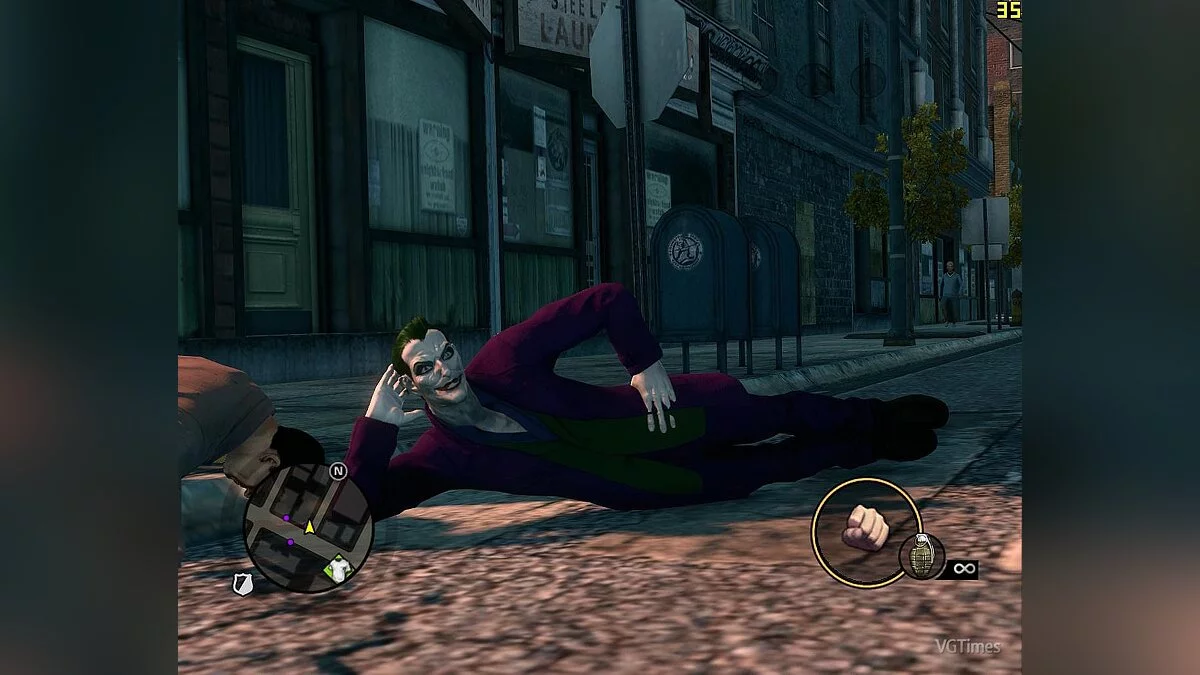

![Saints Row: The Third — 训练器 / Trainer (+7) [1.0: DX11 / STEAM] [DEViATED]](https://files.vgtimes.com/download/posts/2017-06/thumbs/1496264711_601513.webp)
![Saints Row: The Third — 训练器 / Trainer (+14) [1.0.1 dx9-dx11] [LIRW / GHL] - 更新: 14.06.2017](https://files.vgtimes.com/download/posts/2017-08/thumbs/1502616752_jpg.webp)

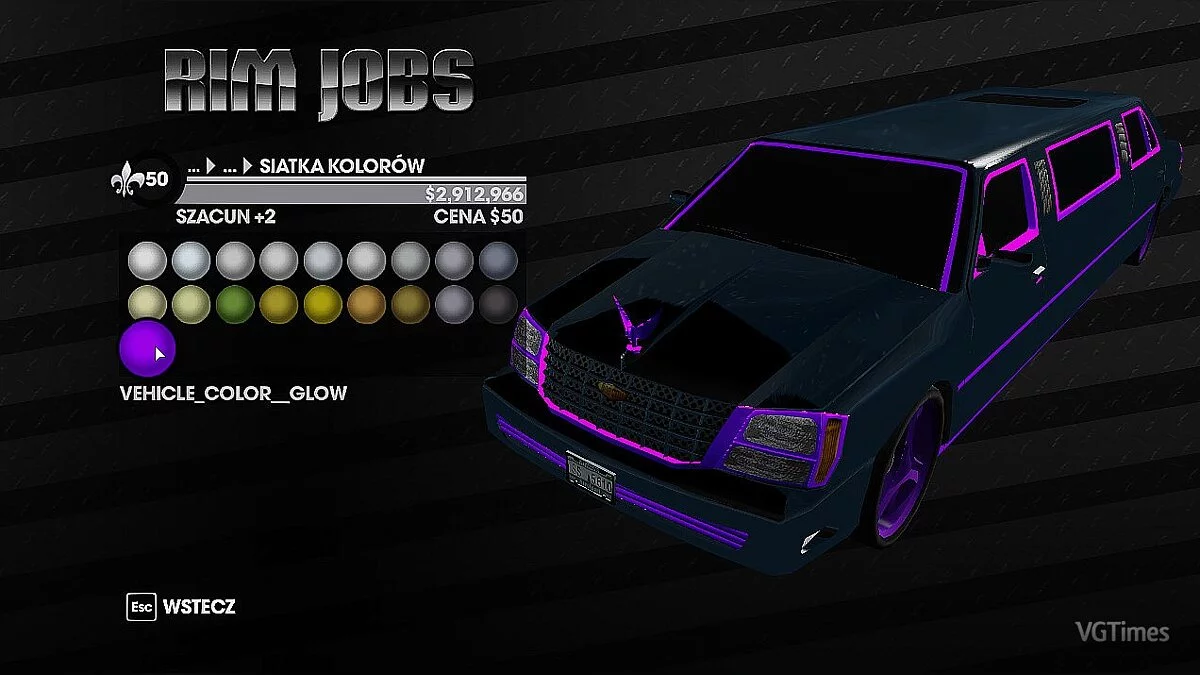
![Saints Row: The Third — 修改器 / Trainer (+20) [1.0.0.1: DX9 / DX11 / STEAM: 最终更新] [LinGon]](https://files.vgtimes.com/download/posts/2017-06/thumbs/1496264710_593082.webp)
![Saints Row: The Third — 训练器 / Trainer (+14) [1.0.1 Dx11] [LIRW / GHL]](https://files.vgtimes.com/download/posts/2017-06/thumbs/1496264463_2zgr9th3.webp)
![Saints Row: The Third — 训练器 / Trainer (+7) [最新Steam] [MrAntiFun]](https://files.vgtimes.com/download/posts/2017-06/thumbs/1496333247_1496332956_644.webp)
![Saints Row: The Third — 训练器 / Trainer (+8) [1.0.0.1: DX9] [24K]](https://files.vgtimes.com/download/posts/2017-06/thumbs/1496264667_2012-05-25_103117.webp)