
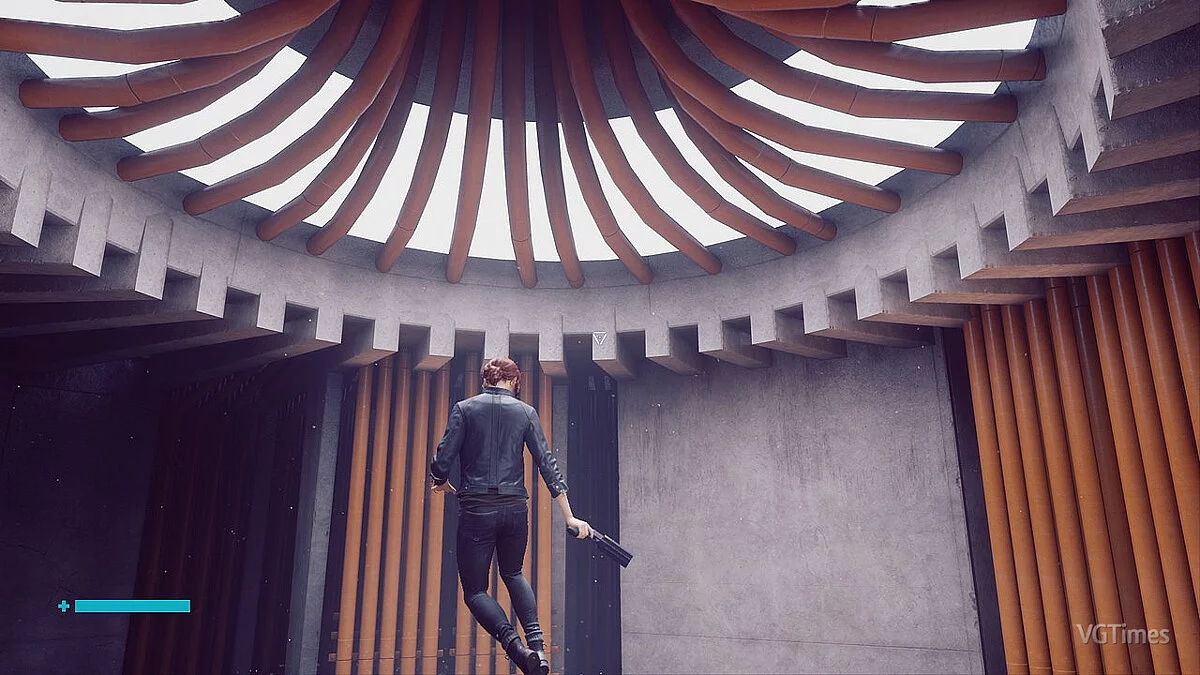
![Control — Cheat Engine 表格 [更新: 2019年12月15日] / 表格 / 作弊](https://files.vgtimes.com/si/gameprev_57210_768_1787991620.webp "Control — Cheat Engine 表格 [更新: 2019年12月15日] / 表格 / 作弊")
控制 ... 更多信息
Cheat Engine 表格 [更新: 2019年12月15日]

-
1576399648_control_dx11.rar下载 (17.00 kB)
不死/
- 受到攻击时生命值仍会下降,但你不会死亡。
- 最低生命值可以通过条目设置。默认: 0.5,可以通过编辑脚本第6行更改。
伤害倍增器/
- 对非玩家造成的伤害将按指定倍增器计算。
- 倍增器可以通过条目 x? 设置。默认: x2,可以通过编辑脚本第3行更改。
最大子弹/
- 无需重新装填~
充电键/
- 当方便时,按 R 键立即将弹夹充满。
- 持续按住 R 键时,你可以看到重新装填动画。
- 我已将游戏的“切换侧面”从 R 键更改为其他键。如果你想让这个脚本正常工作,你也应该这样做。
快速充电/
- 激活时,当弹夹用尽时,等待枪械开始充电的时间将缩短。
- 当枪械开始从空弹夹充电时,将立即充满。
瞬间充电/
- 激活时,Pierce 形态可以立即发射而无需充电,Charge 形态将立即发射 3 个弹药而无需充电。
最大能量/
- 如标题所示。
忽略能力点/
- 你可以学习任何能力,而不考虑你当前的能力点。
- 学习能力所需的能力点将显示为零,但你学习能力时能力点仍会减少,直到达到零。
忽略 $ / 材料/
- 在进入星界构造之前激活。
- 你可以在星界构造中制作任何东西,而不考虑你当前的 $ 和材料。
- $ 仍然会减少,直到达到零。
- 制作时材料仍会减少。
- 能力点可能在基地中显示为大数字,实际能力点没有以任何方式被更改。如果发生这种情况,只需停用此脚本和忽略能力点脚本,下一次访问基地时显示的值应恢复正常。
- 完成制作后应停用脚本。下次需要制作时再激活。
悬浮模式/
- 允许你在进入悬浮时在空中停留任意时间。
- 当你退出悬浮并开始下落时,如果你按住指定键/控制器按钮并按跳跃键/按钮,而不是开始缓慢下落,你将再次悬浮。
- 在第二次悬浮后,你不会自动进入悬停状态。相反,你必须再次按跳跃键/按钮以停止悬浮,然后再次开始下落。在这个下落状态中,你可以选择缓慢下落,或再次悬浮(通过按住指定键/控制器按钮)。
- 键可以通过条目的下拉列表更改。默认: SHIFT 键。
- 控制器按钮可以通过条目的下拉列表更改。默认: 左触发器。
闪避/冲刺距离倍增器键/
- 激活时,按住 SHIFT 键以闪避/冲刺,距离乘以 20。
- 键可以通过条目的下拉列表更改。
- 倍增器可以通过条目 x? 更改。
行走键/
- 激活时,按住 Alt 键并移动以行走。对于键盘和鼠标玩家可能很有用。
- 如果你想使用切换键而不是保持键,可以将状态更改为“切换键”。
- 键可以通过条目的下拉列表更改。
慢动作/
- 只是一个简单的 lua 脚本,允许你同时按住 2 个键,或按住任一键,通过使用 CE 的速度黑客来改变游戏速度,这可以通过在 CE 的设置中设置热键来完成。该脚本只是使你不需要为不同的游戏重置 CE 的热键。
- 根据脚本默认设置,激活时,按 CapsLock 键或右键进入慢动作,释放键以恢复速度。
- 如果你想同时按住 2 个键以进入慢动作,请将 and/或更改为“和”。
解锁所有服装/
- 在激活脚本后访问基地的控制点(中央执行部)。
- 如果你想单独解锁服装,可以通过 [服装] 指针来实现。访问基地的控制点时,指针将被填充。
undead // Бессмертие
- health still drop when being hit but you won't die.
- min health can be set via the entry. default: 0.5, can be changed by editing the script, line 6
damage multiplier // Множитель Урона
- damage deal to non-player will be multiplied by the specified multiplier.
- multiplier can be set via the entry x?. default: x2, can be changed by editing the script, line 3.
max ammo // Макс. Патроны
- no reload~
recharge key // Клавиша Перезарядки
- when facilitated, press R key to recharge clip to max instantly.
- hold R key when you're aiming allows you to see the reload animation as well.
- I've changed the game's "Toggle Side" from R to another key obviously. you should do the same if you want this script to work properly.
fast recharge // Быстрый Заряд
- when activated, when the ammo clip is emptied, the time you need to wait until the gun start to recharge will be shorten.
- when the gun start to recharge from empty clip, it will be recharged to max instantly.
instant charge // Мгн. Заряд
- when activated, Pierce form can be fired instantly without charging, and Charge form will fire 3 projectiles instantly without charging.
max energy // Макс. Энергия
- as title says.
ignore ability points // Бесплатные Улучшения
- you can learn any abilities regardless of your current ability points.
- required ability points of an ability would appear to be zero, but you ability points still decrease until it reaches zero when you learn an ability.
ignore $ / materials // Бесплатный Крафт и Покупки
- activate before you enter the Astral Constructs.
- you can craft anything in the Astral Constructs regardless of your current $ and materials.
- $ still decrease until it reaches zero.
- materials still decrease when you craft.
- ability points may be shown as a big number in the base, the actual ability points wasn't altered in anyway. if that happens, just de-activate both this and ignore ability points script and the value shown should back to normal the next time you access a base.
- should de-activate the script after you done crafting. activate again next time you need to craft.
levitate mod // Режим Полёта
- allows you to stay in air as long as you want when you enter levitation.
- after you exit the levitation and start falling, if you press and hold the specified key / controller button and press the jump key/button, instead of start floating down slowly, you'd levitate up again.
- you won't enter the hover state automatically after your second levitate up. instead you have to press the jump key/button again to stop levitating up, and start falling again after that. in this falling state, you can choose to float down, or levitate up (by holding the specified key / controller button)again.
- key can be changed via the entry's drop-down-list. default: SHIFT key.
- controller button can be changed via the entry's drop-down-list. default: Left Trigger.
evade/dash distance multiplier key // Увел. Дистанции Уклонения
- when activated, press and hold the SHIFT key to evade/dash with a distance multiplied by 20.
- key can be changed via the entry's drop-down-list.
- the multiplier can be changed via the entry x?.
walk key // Клавиша Ходьбы
- when activated, hold Alt key and move to walk. could be useful for k+m player.
- you can change the status to "toggle key" if you want to .... use toggle key instead of hold key.
- key can be changed via the entry's drop-down-list.
slow motion // замедлить Время
- just a simple lua script that allows you to hold 2 keys together, or hold either of the 2 keys, to change the game speed by using CE's speedhack, which can be done by setting up hot-keys in CE's Settings anyway. the script just make it so that you don't need to reset the CE's hotkeys for different games.
- by script default, when activated, press CapsLock key, or Right Mouse Button, to enter slow motion, release the key to resume speed.
- change and/or? to "and" if you want to hold 2 keys together to enter slow motion.
unlock all outfits // Разблокировать Все Костюмы
- access the Control Point at the base (Central Executive) after you activated the script.
- if you want to unlock the outfits individually, you can do so via the [outfits] pointers instead. pointers will be populated when you access the Control Point at the base.
相关文件:
有用的链接:
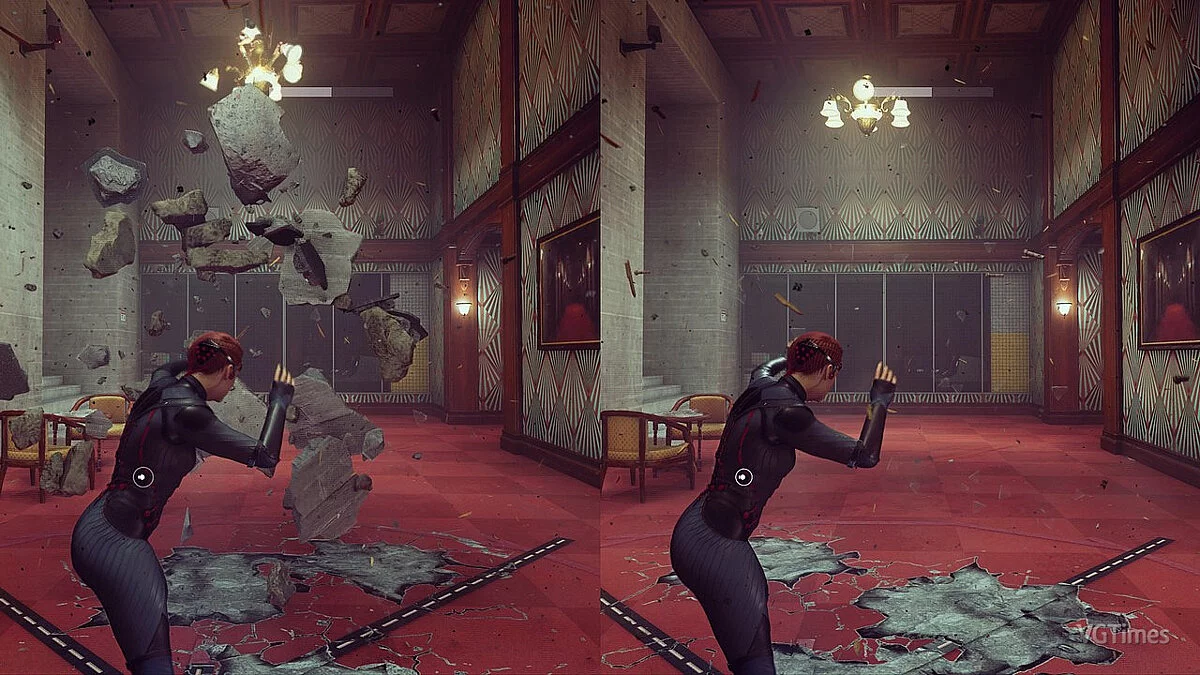
![Control — 训练器 (+7) 2020年1月18日 [WeMod]](https://files.vgtimes.com/download/posts/2020-01/thumbs/1579333492_2020-01-18_104115.webp)
![Control — Cheat Engine 表格 [1.13]](https://files.vgtimes.com/download/posts/2022-05/thumbs/1652599977_capsule_616x353.webp)
![Control — 存档(剧情已完成,所有物品已购买) [1.0]](https://files.vgtimes.com/download/posts/2019-09/thumbs/1567348612_1567348545_151.webp)

![Control — Cheat Engine 表格 [更新: 2023年11月19日]](https://files.vgtimes.com/download/posts/2023-11/thumbs/tablica-dlja-cheat-engine-upd-19-11-2023_1700477735_576772.webp)